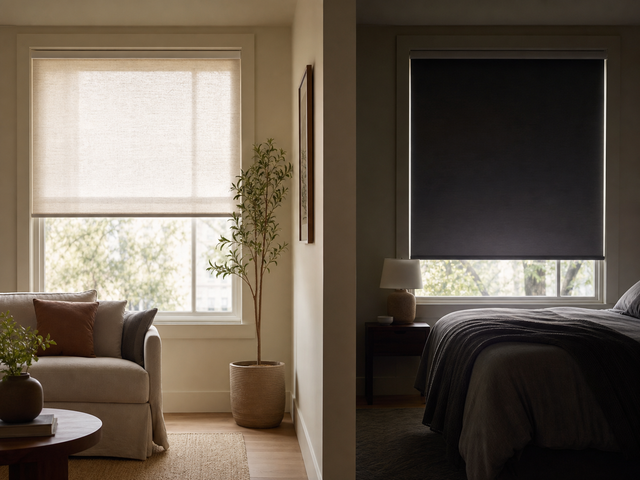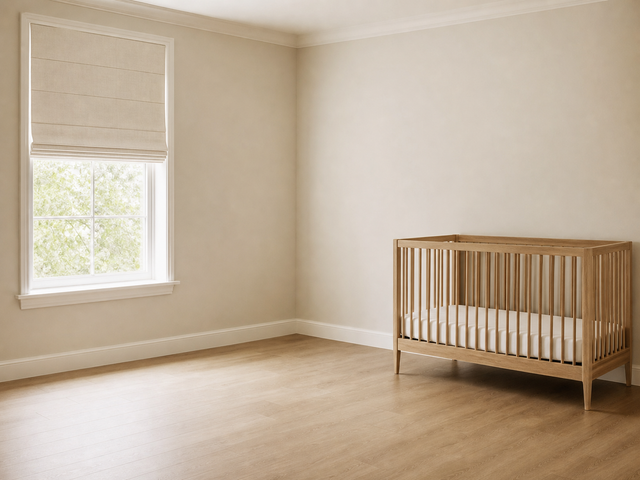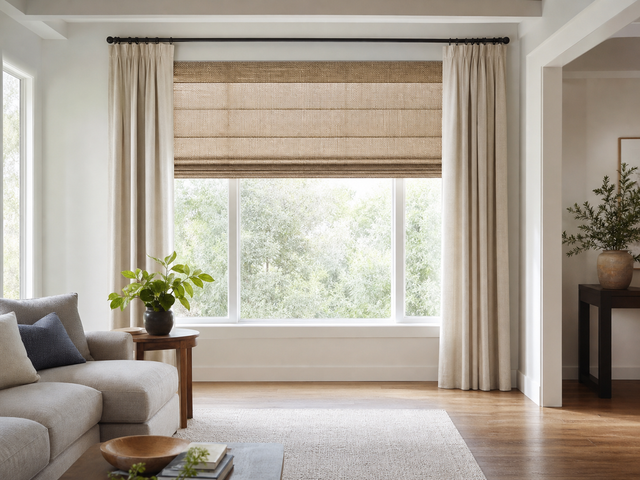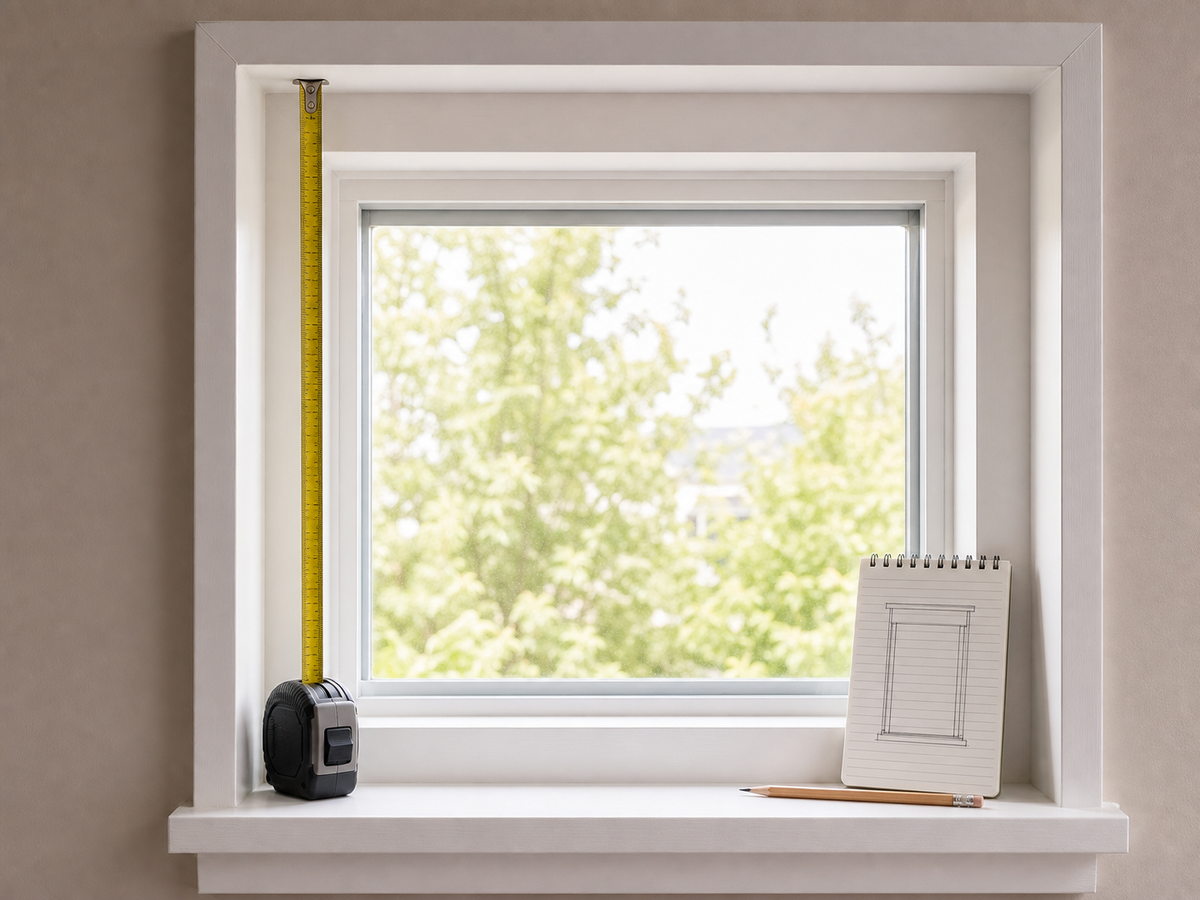

Measure a Roman shade by choosing inside or outside mount first, then recording width, height, and frame depth where the shade will sit. Measure in more than one place, note handles and trim, and follow Fredesigner's product-specific instructions before entering a custom size. For an inside mount, enter the narrowest width exactly as measured, to the nearest 1/8 inch; Fredesigner deducts 3/8 inch from the headrail during production, so do not subtract anything yourself.
Before you pick up the tape measure
Choose the window and label it clearly. If you are measuring several similar windows, assign each one a room name or number so the measurements stay separate.
Gather a metal tape measure, a pencil, a notepad, and a phone for straight-on and side-view photos. Record dimensions in inches, as used by the Fredesigner shade guide and custom forms.
If you still need to settle fabric, lining, or operation, start with the Roman Shades Buying Guide before measuring.
Step 1: Choose the mount
Inside mount places the shade within the window opening. Check that the frame has enough usable depth and that locks, handles, cranks, screens, or uneven trim will not interfere.
Outside mount places the shade on trim or wall beyond the opening. Mark the proposed top and side edges so you measure the coverage area, not only the glass.
Use the Roman Shade Measuring Guide for the full method. Allowances from another retailer or an older order may not apply; at Fredesigner, the factory makes the inside-mount deduction for you.
For more help choosing between the two layouts, see Inside Mount vs Outside Mount Roman Shades.
Step 2: Measure width in more than one place
For inside mount, measure the usable opening at multiple points and write down every result. A frame can look square while narrowing slightly at the top, middle, or bottom. Enter the narrowest reading in the order form.
For outside mount, measure the planned finished coverage. Check whether the surrounding trim or wall provides a stable mounting area and whether the proposed width conflicts with cabinets, corners, switches, or curtain hardware.
Step 3: Measure height from the planned top position
For inside mount, measure the opening height at multiple points. For outside mount, begin at the marked bracket or headrail position and measure to the desired stopping point.
Keep the tape straight and read it at eye level. Write the number down immediately instead of relying on memory.
Step 4: Check depth and obstacles
Frame depth matters for an inside mount: a standard headrail needs at least 2 inches of flat depth, and a motorized shade needs 2 1/2 inches. If the frame is shallower, choose an outside mount.
Look for:
- Window handles, cranks, locks, and screens
- Projecting or uneven trim
- Tile, stone, or other special mounting surfaces
- Deep sills or objects on the sill
- A counter, faucet, desk, bed, or radiator below the window
- Existing rods or hardware for a layered treatment
Photograph anything that could affect the installation or the shade's path.
Step 5: Match the notes to the product form
Open the product in the Custom Roman Shades collection. Match its mount, width, height, liner, and lift fields to your notes.
A top-down/bottom-up product, textured sheer, privacy shade, and light-filtering shade may use different hardware or ordering fields.
Step 6: Run a final check
Before checkout, ask:
- Is this the correct window label?
- Is the selected mount the one I measured?
- Did I record width and height in more than one place?
- Did I check frame depth and every obstacle?
- Do the product fields match my notes?
- Did I enter the numbers in the correct order?
- Have I reviewed the finished configuration in the cart?
Read each value aloud while checking the window and the order form. A second person can verify the notes when the opening is wide, high, or difficult to reach.
When to stop and ask for help
Pause before ordering if the frame is shallow, uneven, damaged, unusually shaped, obstructed, or hard to reach. Also pause if the product page and measuring guide appear to give different instructions.
Send clear photos, the proposed mount, and your measurements to Fredesigner support. Written clarification before purchase is more useful than trying to correct an uncertain custom size later.
Why the final review matters
Fredesigner's Refund Policy says a made-to-order treatment that matches the approved order details is not returnable because of a customer measurement error or incorrectly selected option. Keep your labeled notes and photos until the shade has been installed and checked.